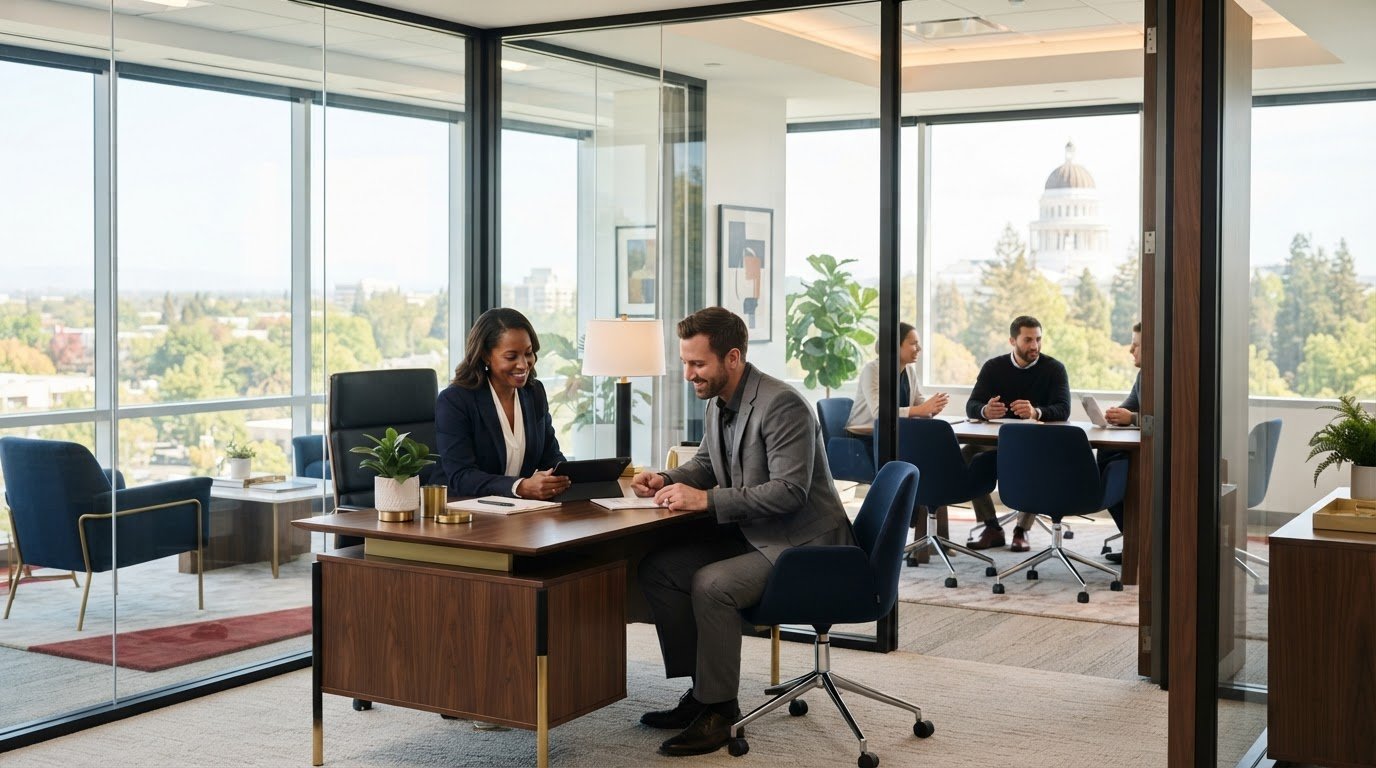
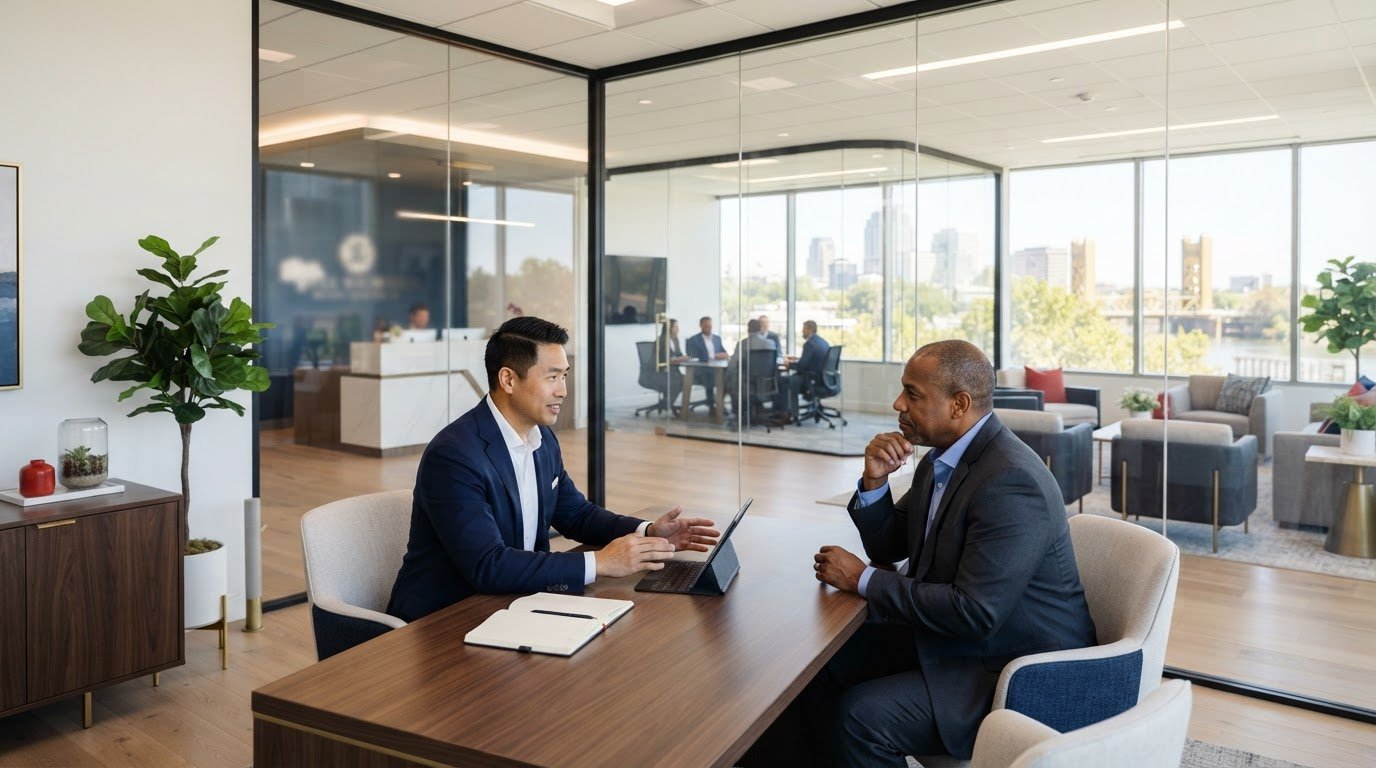
A traditional office lease can give you space, but it often leaves the setup and day-to-day details in your hands. What’s included in a serviced office is usually a furnished private workspace, utilities, high-speed internet, cleaning, and access to shared facilities such as meeting rooms and reception. The provider typically manages and maintains the space, while the exact package varies.
It’s sensible to understand the monthly commitment before choosing where your business will work. This guide explains what serviced offices typically include, how additional charges can arise, and how flexible terms compare with a traditional lease. You’ll learn which costs are bundled, which services may cost extra, and how each arrangement affects move-in and ongoing responsibilities.
Key Takeaways
- Understand which essentials, such as furnishings, utilities, internet, and cleaning, are commonly part of a serviced office package.
- Learn why reception support and shared facilities can vary, and how meeting room access may be structured.
- Spot the extra charges that can affect your total occupancy costs, beyond the advertised monthly fee.
- Compare the flexibility and setup responsibilities of serviced suites with the longer commitments of traditional leases.
- Identify when a private office or executive suite can provide a practical workspace without managing a conventional office setup.
Furniture, utilities, internet, cleaning, and reception support
A serviced office combines a private work area with practical building services. Furniture, connectivity, upkeep, and reception support can reduce the setup tasks involved in renting.
Furnished, Move-In-Ready Workspaces
A furnished office is a prepared workspace with the essentials already in place, rather than an empty room requiring a full setup. That can help a business begin work sooner, with desks, chairs, and connected utilities ready for use. Move-in timing still depends on the space and agreement, but serviced suites can be ready within days.
This setup suits teams that need a professional base without arranging every detail themselves. For example, a small firm can bring its computers and documents into a furnished room instead of sourcing desks, coordinating delivery, and organizing installation. The provider typically manages and maintains the workspace, so routine building upkeep is handled as part of the arrangement.
Office Furniture and Equipment
Furnishings commonly include desks and chairs, and some serviced offices also provide storage, printing, or other shared equipment. These basics create a functional starting point for everyday work, from using a desk to storing files. Equipment differs between packages, so check the included items and plan what your business needs to supply.
Think about the work your team actually does. A consultant may need a desk, chair, and secure file storage, while a small office team may rely on shared printing facilities. Personal computers and specialist equipment are separate considerations. A furnished room can reduce purchasing and installation work, while keeping the workspace flexible as business needs change.
Internet, Utilities, Cleaning, and Reception
Serviced office packages commonly include internet, utilities, and climate control, but the details vary. At Citizens Business Center in Sacramento, high-speed fiber internet and utilities are included with the office offering. Reliable internet supports everyday tasks such as video calls and cloud-based work, without needing to arrange a separate connection.
Cleaning and maintenance can cover shared building and office areas, reducing the need to arrange routine upkeep independently. Reception support may include greeting visitors, handling mail and deliveries, or answering calls. At Citizens Business Center, receptionists answer calls in the tenant’s business name, helping maintain a professional first point of contact.
What is a serviced office space?
A serviced office is a furnished private workspace managed by an operator, with shared facilities for tenants. Typical amenities include meeting rooms, kitchens, reception, and breakout areas, extending the space available beyond an individual office.
Facilities Included in the Rent
Facilities included with a serviced office are shared or building services that tenants can use alongside their private workspace. A kitchen, reception, or meeting room can support daily work without requiring each business to arrange those facilities separately. To understand what’s included in a serviced office, distinguish shared amenities from services tied to a specific office or package.
Shared facilities serve different purposes throughout the workday. Employees might use a shared area for an informal discussion, then return to a private office for focused tasks. A receptionist can greet visitors or accept deliveries, while a lounge offers guests a place to wait before an appointment.
For a Sacramento business, the value of shared amenities depends on its routine. A team that regularly hosts clients may use reception and meeting rooms often; a mostly remote business may need them less frequently. Separating everyday needs from occasional conveniences helps identify which amenities matter to your workspace.
Meeting and Conference Facilities
Meeting and conference facilities are shared rooms for conversations requiring more privacy or structure than a lounge provides. Serviced offices commonly offer rooms in different sizes, supporting a client presentation, team planning session, or confidential discussion. Access gives businesses a professional setting without setting aside a dedicated room inside their own office.
A smaller meeting room can suit a one-to-one conversation, while a conference room can accommodate a presentation. Room access may be included in a package or charged separately, depending on the agreement. Consider how often your team meets and whether booking a room fits its schedule.
For client-facing work, a dedicated room can make a scheduled discussion feel more organized than meeting in a public café. Businesses needing a separate place for consultations or presentations can explore meeting room options.
Kitchen Facilities and Refreshments
A shared kitchen gives employees a place to prepare food, refill water, or take a break away from their desks. Serviced office buildings commonly provide kitchen facilities, and some also have cafeteria or canteen areas. These amenities support everyday routines without requiring each private office to have its own kitchenette.
Kitchen access is useful between appointments or during a full day of work. Employees can take a break in the shared space and return to their workspace afterward. A kitchen can also provide an informal spot for brief conversations, separate from a formal meeting room.
Kitchen access and refreshments are distinct inclusions, and coffee or other extras may carry separate charges in some arrangements. At Citizens Business Center, complimentary coffee and tea are available in the shared kitchen. When comparing workspaces, consider how employees will use shared areas, not just whether those spaces exist.
Meeting room access and shared amenities
Serviced office space combines a private office with shared facilities and building services. Meeting rooms, reception, and secure access can shape how easily a team hosts visitors and uses the workspace.
Building Access and Shared Spaces
Building access covers how tenants enter their offices and use shared areas such as lounges, kitchens, and meeting rooms. These spaces matter when employees need somewhere for a break, an informal conversation, or a scheduled client meeting. Shared facilities extend the workspace without requiring every business to maintain separate rooms or amenities.
Serviced offices typically provide office access around the clock. A team preparing a presentation outside standard business hours, for example, can benefit from access beyond the reception desk’s staffed period. Shared spaces may have separate access arrangements, so the distinction between entering a private office and using common areas affects how teams plan their work.
Reception and Building Security
Reception and security services help manage visitors and entry to the building. A reception team may greet a client, direct a delivery, or answer a telephone call. At Citizens Business Center, receptionists answer calls in the tenant’s business name, giving callers a professional point of contact.
Security can include controlled building entry and monitoring of shared areas. For a business handling confidential discussions, the distinction between a private office and a public lobby matters. Cleaning and maintenance also affect shared spaces: a maintained reception area or meeting room helps create a professional setting for appointments.
After-Hours Access
After-hours access means tenants can enter their office outside regular operating times. Serviced offices commonly offer 24/7 office access, which can suit teams working across time zones or preparing for an early client meeting. Access to the office and access to amenities may follow different schedules.
For example, an employee arriving outside regular business hours may need to reach the office when reception is unstaffed. Secure entry procedures support that transition. Building access, meeting room availability, and shared equipment access are separate practical details, so consider each when planning work beyond standard hours.
Location also shapes how useful shared amenities are. A meeting room inside the same building can make a client appointment easier to coordinate than a separate venue. Likewise, nearby parking or transit connections can influence how employees and visitors reach the office. The value of each amenity depends on the working day: a client-facing team may rely on reception and meeting rooms, while a small remote team may prioritize secure office access and occasional shared spaces.
Consider the route visitors take from the entrance to the meeting room. Clear reception, accessible shared spaces, and suitable room equipment can make a presentation more organized. Common areas complement rather than replace a private workspace. Reviewing how tenants move between the entrance, reception, meeting room, and office helps show which amenities support your business’s actual routines.
Serviced office costs and potential extra charges
In the United States, serviced-office rental is commonly charged monthly per workstation. The total depends on location, office size, included facilities, and contract terms. Before signing, identify what the monthly charge covers, which services can cost extra, and how setup, maintenance, meeting room use, and cancellation terms work.
Bundled Costs and Expense Predictability
A bundled monthly charge combines the private workspace with some building services, making routine occupancy costs easier to plan. For example, a package may include utilities, cleaning, and internet rather than billing each separately. Predictability depends on the included services and how the contract defines the monthly rental.
Compare the full running cost with a conventional office, where a business may arrange furniture, utilities, internet, and maintenance separately. A serviced office can reduce those separate arrangements, but the headline charge alone doesn’t show the complete cost. List the included services, then compare them with expenses your business would otherwise manage itself.
Potential Additional Charges
Additional charges can apply when a service falls outside the base package. Internet connection, meeting room use, printing, coffee, mail handling, telephone support, IT assistance, cleaning, equipment, setup, and maintenance may be billed separately. For example, a team booking frequent client meetings could incur usage charges if room access isn’t included.
For a Sacramento business, rental costs depend on location, office size, package inclusions, and the number of workstations. Separate one-time setup expenses from recurring charges, then account for optional services your team expects to use. This breakdown clarifies how the monthly amount relates to the workspace and your business’s needs.
Contract Terms to Check
A serviced office agreement explains the rental period, included facilities, additional-charge triggers, and how changes or cancellation work. Read the service descriptions alongside the payment terms. A package that includes meeting rooms, for example, may still limit access or charge for bookings beyond its allowance.
Review initial setup costs and maintenance charges, plus the treatment of internet, utilities, mail, and cleaning. Check whether the agreement is month-to-month, annual, or another term, and note any notice period. These details show how easily the arrangement can adapt if the team grows, reduces its private office needs, or changes how often it uses shared facilities.
To compare options, use the same categories for each: monthly rental, setup, maintenance, utilities, connectivity, meeting rooms, and optional services. This makes bundled services visible and highlights where a conventional office may create separate tasks or expenses. The most useful comparison reflects the workspace and services your business needs, not just the advertised monthly amount.
Serviced suites compared with traditional leases
Serviced offices offer more management from the provider and flexible terms, but less control over the premises. Traditional leases give a business more responsibility for setting up and running its office. The better fit depends on how soon your team needs space, how long it expects to stay, and who will manage the details.
Serviced office contracts are typically month-by-month, rather than annual or multi-year. Some agreements allow tenants to cancel with 1-3 months’ notice. Traditional office leases typically run for 3-5 years, while conventional office leaseholds are often described as lasting five years. Read the specific contract terms, since the commitment and notice period shape how easily a business can adapt.
Move-in timing differs, too. A serviced office suite may be ready within days, while a traditional office can take weeks to months to prepare. A business renting a furnished, managed space can focus on bringing in its own computers and work materials. With a conventional office, the business may need to coordinate furnishings, utilities, equipment, and maintenance before employees can settle in.
Responsibility is another key distinction. A serviced office package commonly brings workspace and building services together, with the provider managing and maintaining the space. In a traditional lease, the tenant typically takes on more of the setup and ongoing coordination. For example, furnishing an empty office means sourcing desks and chairs, arranging delivery, and organizing the work area.
Scale can guide the choice. Serviced suites are presented as suitable for businesses with fewer than roughly 10 people, while a traditional lease may suit a permanent headquarters for 20 people. A flexible office can also make sense when headcount or workspace needs may change. A larger, stable team may value the control and permanence of a conventional location.
Compare the full package, not just the agreement length. Consider included services, setup responsibilities, maintenance, meeting room access, and the cost of services billed separately. A lower base rental can involve more tenant-managed tasks; a bundled arrangement can reduce those tasks while limiting control over how the space is operated.
For a Sacramento business choosing between these models, the practical takeaway is straightforward: favor a serviced suite when a managed, furnished workspace and shorter terms matter most. Consider a traditional lease when a long-term, permanent base and greater control outweigh the added setup work. Explore flexible office options if a managed private workspace fits your plans.
Citizens Business Center: Private Offices
Citizens Business Center offers Private Offices and Executive Suites for businesses seeking a dedicated, professionally managed workspace. The setting includes high-speed internet, secure 24/7 access, receptionist services, free on-site parking, and shared kitchen and conference facilities.
Choose a private workspace when your team needs a consistent place to work. Citizens Business Center offers Private Offices and Executive Suites for dedicated workspace, Meeting Rooms for scheduled discussions, and a Virtual Office for a professional business presence without a full-time office. The right option depends on how your team works and meets clients.
Explore the available private office options to see which workspace fits your needs, or contact Citizens Business Center to discuss your requirements.
Choose a Workspace That Fits Your Next Step
Your next workspace should support the way you plan to work, not simply fill an address on a lease. Use what you’ve learned about what’s included in a serviced office to decide what matters most: a dedicated place for focused work, a professional setting for meetings, or a business presence without a full-time office.
Citizens Business Center offers Private Offices and Executive Suites for businesses seeking dedicated workspace, plus a Virtual Office for a professional business presence. Start with your priorities: how your team works, where you meet clients, and what kind of workspace fits your plans.
Take the next step at your pace. Contact Citizens Business Center to discuss the workspace option that aligns with your business. A clear choice today can give you a more focused foundation for what comes next.
Frequently Asked Questions
How do they compare to other types of workspaces?
A serviced office combines private workspace with building management and shared business facilities. A home office offers more personal control but may lack a professional setting for client meetings. Coworking spaces focus on shared desks and communal work areas, while traditional leases give tenants greater control and more setup responsibility. For a Sacramento business, the key is balancing privacy, support, flexibility, and control.
What’s included in the package?
A serviced office package commonly combines furnished workspace with building services and shared amenities. The exact mix depends on the agreement. One package, for example, may cover utilities and internet but treat meeting room use or printing as separate services. Consider your team’s typical day, including client visits, calls, and document handling, then compare those needs with the package details.
Are furniture, internet, utilities, and cleaning included in serviced office rent?
The package defines the scope of included essentials. A furnished office may provide desks and chairs, while your business supplies computers and other work-specific equipment. Internet and utilities may be bundled, and cleaning may cover shared areas, private offices, or both. If your team uses specialist equipment, distinguish ordinary furnishings from your own technical setup needs.
Are reception, mail handling, and phone answering included in a serviced office?
Reception, mail handling, and phone answering can be included services or separate package features. Citizens Business Center provides receptionist services that answer calls in the tenant’s business name, alongside mail handling. This can help a solo professional manage client calls while working with an appointment. For any office arrangement, understand how deliveries and incoming calls are handled so you can plan communications and visitor expectations.
What shared facilities are included, such as meeting rooms, kitchens, and printers?
Shared facilities may include meeting rooms, kitchens, lounges, or printing access, but availability and usage terms differ by package. A business hosting a presentation may need a private room and suitable equipment, while a team handling routine paperwork may value printing access. Treat each amenity as a separate part of the workspace: knowing when and how it can be used helps avoid relying on facilities your team rarely needs.
What extra fees may apply to a serviced office beyond the monthly rent?
Possible extras include meeting room bookings, printing, coffee, mail or phone handling, IT assistance, equipment, and setup or maintenance charges. The added cost depends on which services the package excludes and how often your team uses them. For example, a business booking frequent client meetings should account for room-use charges separately from its regular occupancy expenses when comparing workspace options.
What are the disadvantages or hidden costs of serviced offices?
Serviced offices can offer less control over layout and building operations than a traditional lease. Shared amenities may be less convenient during busy periods, and optional services can increase the total cost beyond the base rent. A team with specialized space requirements or steady long-term needs may prefer greater control. Compare the included services with your actual usage to see whether a bundled arrangement suits your operations.